
ELECTRONIC COMPONENT CATEGORIES

Start with the function your design needs—not just a part number.

Workflow step 1Technical line icon showing the workflow number 1.

Choose the starting family

Match your design task to a relevant component category before narrowing the part.

Workflow step 2Technical line icon showing the workflow number 2.

Capture design constraints

Record the specifications, package and interfaces that affect whether a component fits.

Workflow step 3Technical line icon showing the workflow number 3.

Build a more useful BOM

Combine product context with quantities and approval boundaries for a clearer RFQ.

PRODUCT FAMILY GUIDE

Electronic components organized by the job they do in your design.

These categories help buyers and engineers describe the requirement at the right level. The full manufacturer part number remains the best starting point whenever it is available.

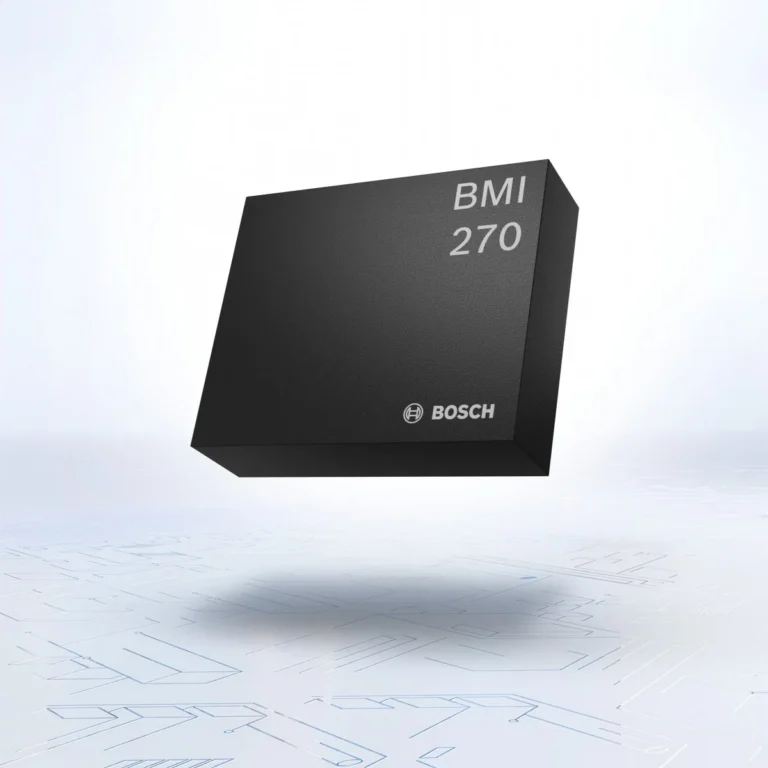
Mcu microcontrollers processors

Microcontrollers & processors

For embedded control, system coordination and application-specific processing needs.

Wireless connectivity ics

Wireless & connectivity ICs

For connected products that need wireless links, radio functions or network connectivity.

Power management ics

Power management ICs

For regulating, converting, charging, protecting and managing power within the system.

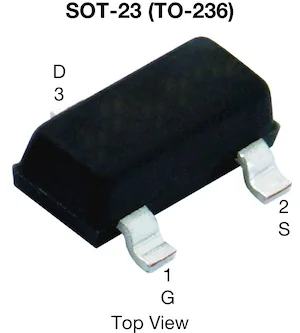
Driver interface ics

Driver & interface ICs

For moving power or signals between a controller and motors, displays, gates or other subsystems.

Memory storage ics

Memory & storage ICs

For code storage, data retention and memory functions with specific interface and density needs.

Sensor ics

Sensor ICs

For detecting motion, environmental conditions, position, pressure or other physical inputs.

Audio amplifier codec ics

Audio amplifier & codec ICs

For audio paths that require amplification, conversion, processing or interface functions.

Multi line bom requirements

Multi-line BOM requirements

For designs that span several component families and need one coordinated sourcing request.

Manufacturer family references

Manufacturer-family references

When you know the manufacturer or family but need to narrow the component requirement.

SELECT BY DESIGN CONSTRAINT

A product category gets you closer. Constraints determine whether a part fits.

An MCUs, power-management ICs or sensor category can contain many different devices. The purchase request becomes more useful when it captures the design constraints that distinguish one valid option from another.

Workflow step 1Technical line icon showing the workflow number 1.

Electrical limits

Voltage range, current, power, timing and other operating conditions may determine the viable part family.
Workflow step 2Technical line icon showing the workflow number 2.

Signal & interface needs

Record the protocols, data rates, input/output needs or control methods your design requires.
Workflow step 3Technical line icon showing the workflow number 3.

Mechanical & thermal fit

Package, footprint, dimensions and environmental boundaries help protect design compatibility.
Workflow step 4Technical line icon showing the workflow number 4.

Approval boundaries

Define which parameters must match exactly and whether alternatives may be reviewed by your team.

CHOOSE THE RIGHT REQUEST TYPE

Different situations call for different questions.

Use the structure below to make the request precise. It is not a compatibility decision or a promise that any route, alternative or stock position will be available.

Component Family Design Task Useful Details for an RFQ When an Alternative Needs Review
Microcontrollers &
processors
Run embedded logic, control or processing functions. Core/device family, memory need, interface, package and operating conditions. Pinout, firmware compatibility, peripherals or processing capability change.
Wireless & connectivity Connect the product through a radio or network interface. Protocol, radio band, module/device form, interface and regulatory constraints. Radio performance, software support, antenna or certification implications change.
Power management Convert, regulate, charge or protect the power path. Input/output range, current, topology, package and thermal constraints. Voltage, current, compensation, protection or thermal behavior changes.
Drivers & interfaces Control loads or connect subsystems to a controller. Load type, voltage/current, drive method, interface and protection needs. Drive characteristics, logic levels, package or protection features change.
Memory & storage Store code, configuration or data. Type, density, interface, speed, package and lifecycle preference. Density, command set, interface timing or package changes.
Sensors & audio Capture a physical signal or manage an audio path. Measured signal, range, accuracy, interface, package and environment. Performance range, calibration, interface, noise or package changes.
Industrial control panel bom sourcing

A PRACTICAL SOURCING PARTNER

When component sourcing needs more than a search result.

A purchase decision can depend on more than availability. Part-number accuracy, quantities, packaging, date code, acceptable alternatives and documentation may all affect whether a component fits the project. We help organize these requirements before the order moves forward.

WHEN YOUR DESIGN SPANS MULTIPLE COMPONENT CATEGORIES

A complete BOM creates a better picture than isolated line-item enquiries.

A product page helps you identify the component family. A BOM lets the sourcing request account for relationships, quantities and shared delivery priorities across the build.

Group the componentsThree component modules organized together inside a group frame.

Group the components

Organize the list by part number and component family to make the design scope clear.

Flag decision-critical linesA component list with one decision-critical line marked by a flag.

Flag decision-critical lines

Highlight parts with fixed parameters, tight timing or special approval requirements.

Set order contextAn order sheet with quantity lines, a target-date calendar and a destination pin.

Set order context

Provide quantities, target date and destination so the request can be assessed as an order.

Define review boundariesA checklist inside a defined review boundary with a magnifying glass.

Define review boundaries

State whether alternatives can be discussed and which quality conditions must be met.

NEED A PART NUMBER OR MANUFACTURER FAMILY?

Use the Line Card to focus a brand reference. Use Quality Assurance to define the acceptance conditions.