

PROTOTYPE TO PRODUCTION COMPONENT SOURCING
Build supply confidence before your product needs volume.
- Keep prototype choices visible as specifications evolve
- Turn pilot-build lessons into a more usable production BOM
- Give procurement and engineering the same decision record
Match the connectivity role
Separate Bluetooth, Wi-Fi, combo and proprietary-radio needs before selecting a family.
Protect design constraints
Flag package, antenna, power, host-interface and software dependencies that cannot change.
Clarify approval boundaries
State whether an alternative, a different revision or a pre-certified module can be considered.
WHEN A SUCCESSFUL PROTOTYPE BECOMES A PROCUREMENT RISK
The design may be stable. The purchasing decision is usually not.
Moving to a pilot or production build changes the questions your component list has to answer. Engineering needs to preserve performance. Purchasing needs a clear scope. Operations needs to know which changes require a decision. A single PDF BOM often does not carry all of that context forward.
The prototype part is no longer the only option
The BOM has more than one owner
Build quantities expose planning gaps
A late change becomes more expensive to explain
COMPONENT SUPPLY SUPPORT AT THE POINT OF DECISION
Use the same sourcing partner differently at each build stage.
The goal is not to force an early-stage BOM into a production process. It is to ask the right next question, then preserve the answer for the stage that follows.

Protect the validation window.
Prototype sourcing is about getting a usable build moving while keeping technical constraints explicit. It should leave the team with a better component record—not a forgotten purchasing exception.
- Exact MPN, function and package constraints
- Small-build quantity and timing context
- Known alternates and the person who may review them
- Design notes that cannot be lost at handoff
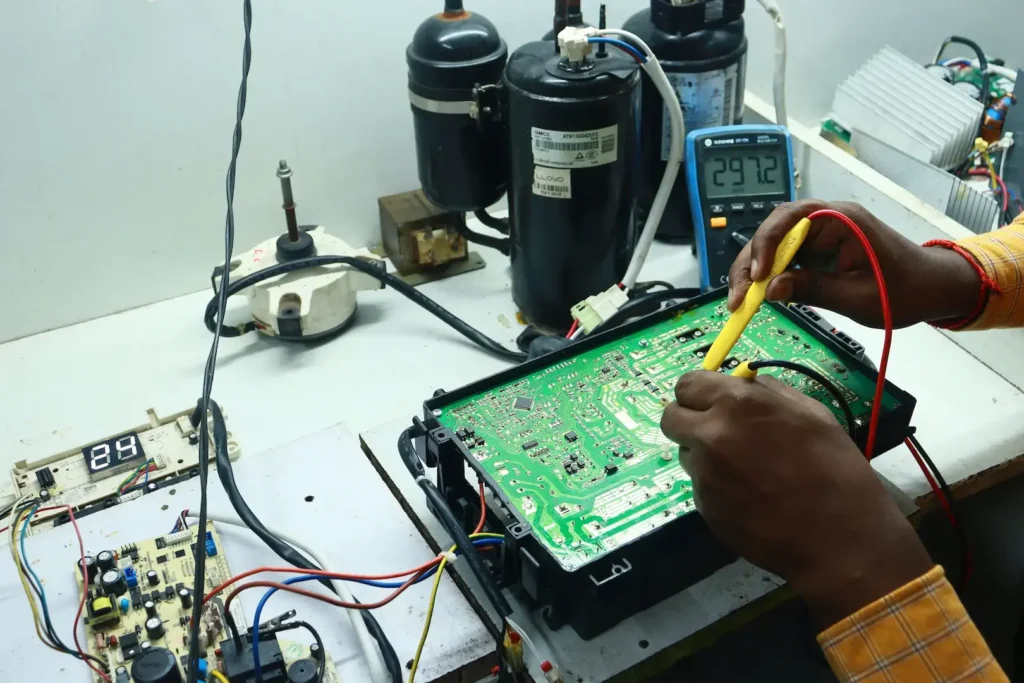
Convert learning into a release-ready BOM.
A pilot build is the right time to turn discovered constraints into an agreed sourcing path. Capture what changed, what remains conditional and what must be reviewed before production planning starts.
- Current BOM revision and change notes
- Lifecycle or supply questions worth escalating
- Approved-alternative boundaries by component
- Forecast assumptions and build cadence
Make ongoing supply easier to govern.
Production sourcing needs a documented decision path for the parts your build depends on. That improves internal coordination when requirements, demand or supply conditions have to be reviewed.
- Released component scope and quantity basis
- Quality, packaging and documentation expectations
- Approval route for material exceptions
- Clear shipment and destination instructions
A production handoff is a decision record, not just a larger purchase order.
Before a pilot or production order is released, bring the information that affects component acceptance, supply planning and internal approval into one reviewable package.
Make the next build easier for the people who did not attend the first one.
Confirm the exact MPN, revision and package—or mark the item as a selection-stage request.
Record quantity, target date, destination and any line items that are time-sensitive.
Define the technical and commercial conditions that an alternative must satisfy before it can be reviewed.
Use the Quality Assurance page to organize the wider requirement and documentation questions for the purchase.
WHAT TO ADD BEFORE A PRODUCTION COMPONENT RFQ
Give your BOM enough context to support a production conversation.
A manufacturer part number and quantity are essential, but they are not always enough to explain a production requirement. The table below is a buyer-side checklist for making the next sourcing review more useful.
| Decision Area | What to Make Visible | Why It Matters at Release |
|---|---|---|
| BOM control | Revision, effective date and a short note for any material component change. | Prevents an outdated prototype list from being mistaken for the current release scope. |
| Technical boundaries | Critical parameters, package limits, software or hardware dependencies and approved alternatives. | Creates a defined path if the exact component is constrained or a substitute is proposed. |
| Demand & timing | Build quantity, target dates, expected cadence and destination for the production requirement. | Lets the sourcing conversation reflect the actual programme rather than a generic one-time purchase. |
| Acceptance conditions |
Packaging, date-code, documentation, inspection or other evidence needed by your process. | Moves quality-related requirements into the purchase decision before fulfilment is underway. |
| Decision ownership | Named role or team for component alternates, commercial exceptions and material condition changes. | Reduces delays when a decision cannot be made from the BOM alone. |
A stronger component plan connects sourcing, quality and approval.
Use the right page for the next question.
Confirm the exact MPN, revision and package—or mark the item as a selection-stage request.
Record quantity, target date, destination and any line items that are time-sensitive.
Define the technical and commercial conditions that an alternative must satisfy before it can be reviewed.
Use the Quality Assurance page to organize the wider requirement and documentation questions for the purchase.
PROTOTYPE TO PRODUCTION FAQ
Questions teams ask before the next build.
Clear answers help prevent a prototype purchasing shortcut from becoming a production surprise. Use the questions below to prepare the information your team needs for the next sourcing decision.
When should a prototype BOM be reviewed for production readiness?
Review it when the design, pilot build or production planning introduces a new quantity, timing or sourcing constraint. The purpose is to identify what has changed since the validation build and make the resulting decisions visible before release.
Can a production BOM include alternatives?
It can, provided the alternatives are described with clear technical and approval boundaries. An alternative should not be treated as automatically acceptable simply because it was available for a previous build.
What should be included when sending a production component RFQ?
Include the current BOM or part list, required quantities, target timing, destination, any critical technical constraints, relevant packaging or documentation requirements, and the person or team responsible for material changes.
Does this page replace a quality or supplier-approval process?
No. It is a planning framework for communicating sourcing decisions between development and production. Your organisation remains responsible for engineering validation, supplier approval and the quality controls required for the application.